Login
Login
To log yourself into the TMS you have to use your username and your password. Please note that the password is case-sensitive while the username is not. Your initial credentials are provided by the administrator of the TMS (for example via email).
For information about the inital credentials for the administrator refer to the Installation section.
First Login
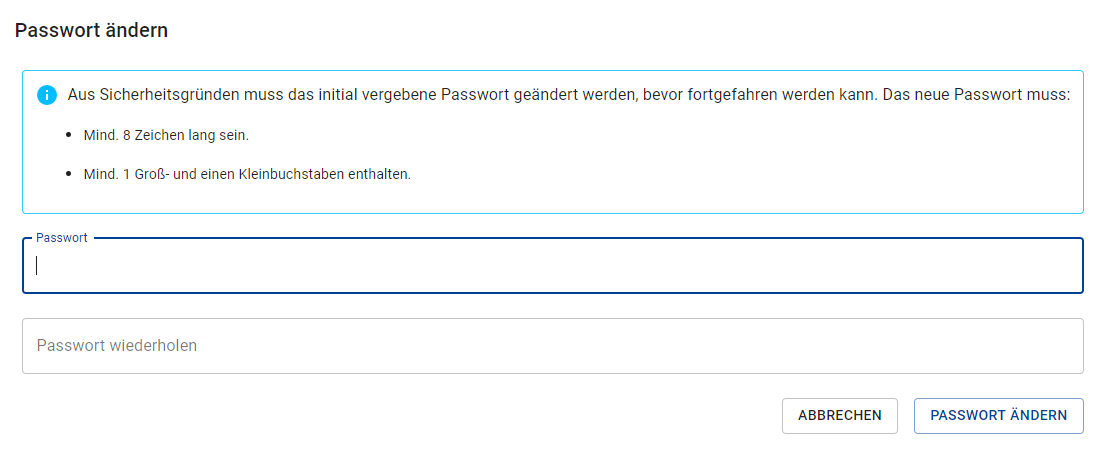
If you log in the first time with your provided credentials you are prompted to change initial password. You have to change it before you can proceed! The new password must fullfil all requirements noted in the box on the page as seen on the image below.
There is currently no system in place that lets you request a new password if you forget yours so remember it (or use a password manager for example). If you should forget your password you have to ask your administrator to create a new one for you (which you then have to change on your next login).